For Everyday Users
Link over USB or Wi-Fi, explore storage, plan backups, save iMessage and WhatsApp threads, sync music and pictures, and sideload apps without iTunes sync rules.

Desktop iOS Control Suite
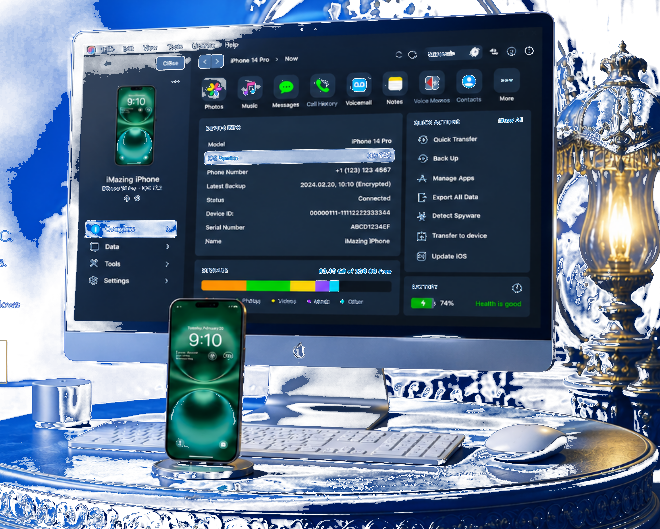
iMazing is a desktop companion for iPhone and iPad on Mac and Windows. Archive devices, move chats, audio, and documents outside iTunes restrictions.
Overview
A full computer-based toolkit to operate Apple handhelds from your desk.
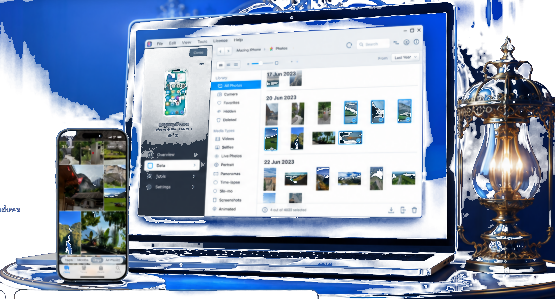
Link over USB or Wi-Fi, explore storage, plan backups, save iMessage and WhatsApp threads, sync music and pictures, and sideload apps without iTunes sync rules.
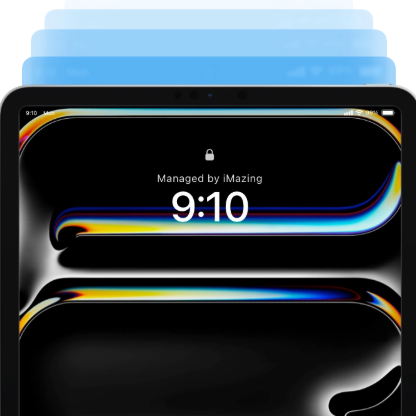
IT staff, repair benches, and legal teams rely on iMazing for fleet oversight, profile rollout, CLI scripts, and evidence exports.
Capabilities
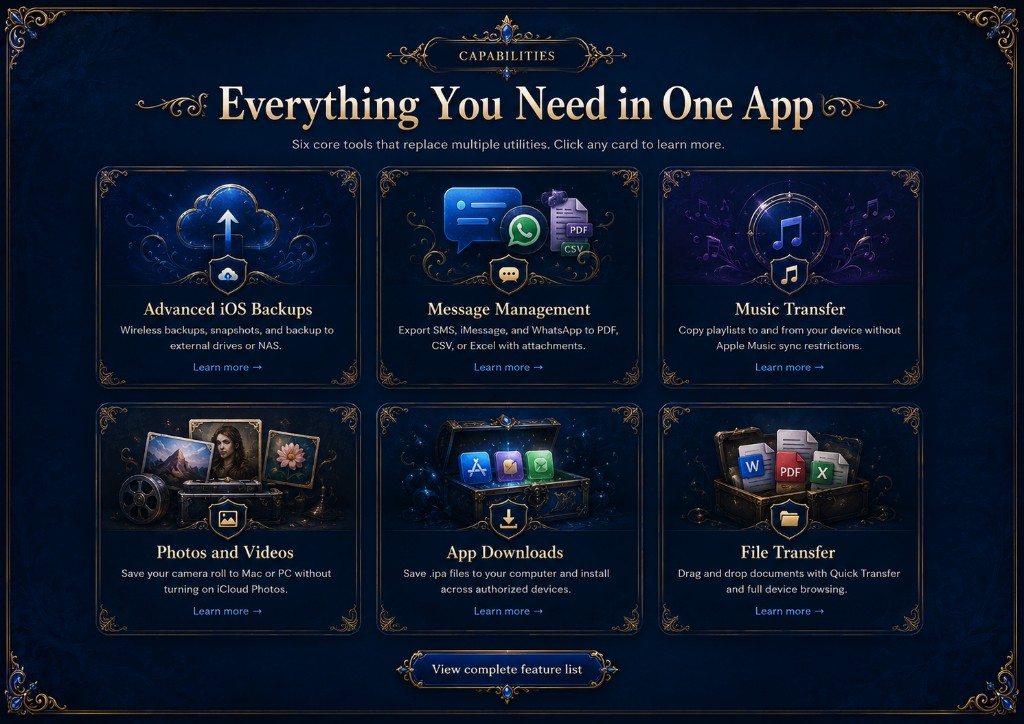
Six built-in modules replace separate utilities. Select a tile for details.
Wi-Fi plans, snapshot history, and copies to USB disks or NAS shares.
Learn more →
Save SMS, iMessage, and WhatsApp into PDF, CSV, or Excel with media intact.
Learn more →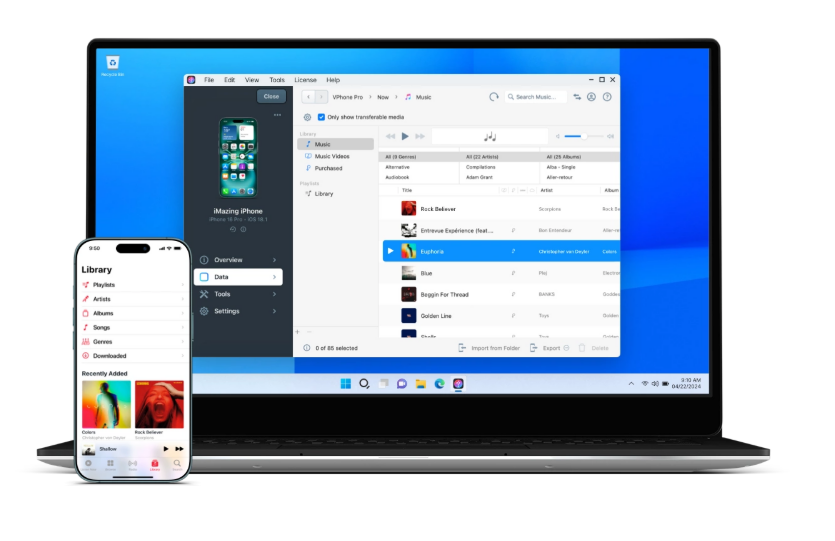
Move playlists both ways without Apple Music sync limits.
Learn more →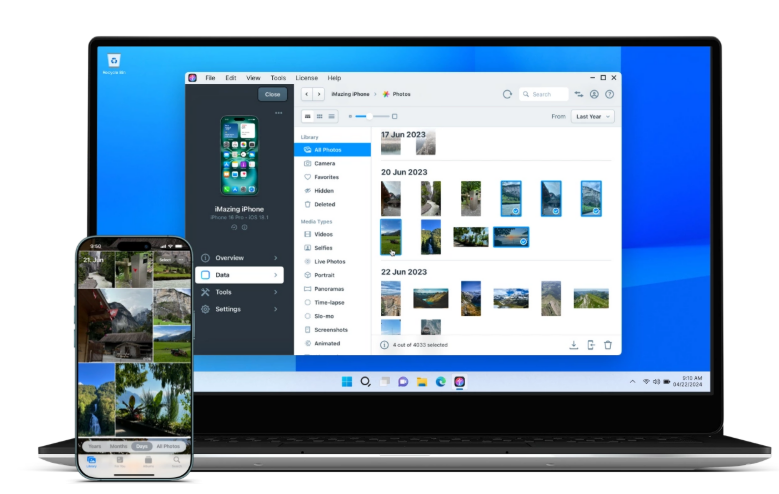
Pull camera roll media to Mac or PC without enabling iCloud Photos.
Learn more →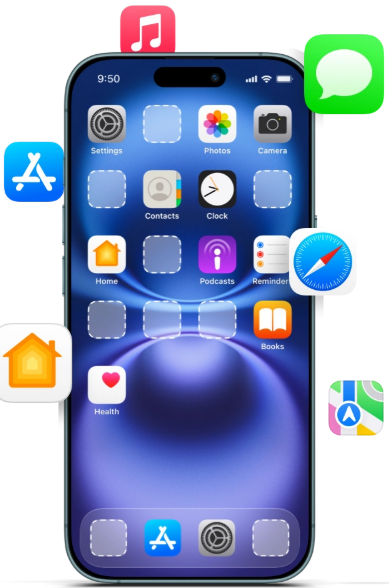
Store .ipa packages locally and deploy to approved hardware.
Learn more →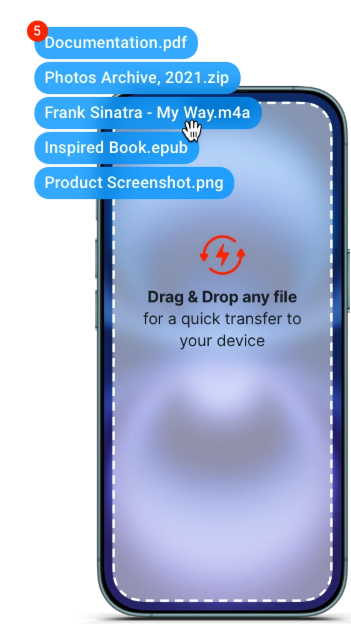
Drop files with Quick Transfer plus full filesystem browsing.
Learn more →Who it is for

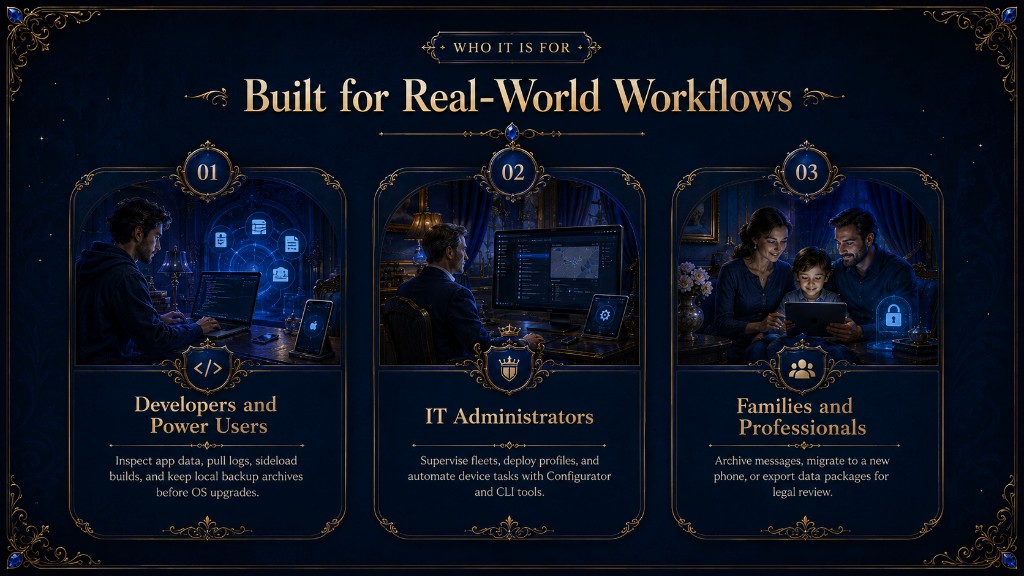
Review app sandboxes, collect logs, sideload builds, and keep local archives before OS upgrades.

Watch fleets, push profiles, and script tasks through Configurator and CLI add-ons.

Preserve chats, move to new hardware, or bundle exports for legal review.
Compare
Learn why people leave iTunes, Finder, and lightweight transfer apps.
| What you need | iMazing | iTunes / Finder | Other tools |
|---|---|---|---|
| Browse device files | ✓ Yes | Limited | Varies |
| Export messages to PDF | ✓ Yes | No | Sometimes |
| Two-way music transfer | ✓ Yes | Restricted | Often one-way |
| Scheduled wireless backup | ✓ Yes | Basic | Rare |
| Enterprise MDM tools | ✓ Yes | ABM only | Rare |
Testimonials
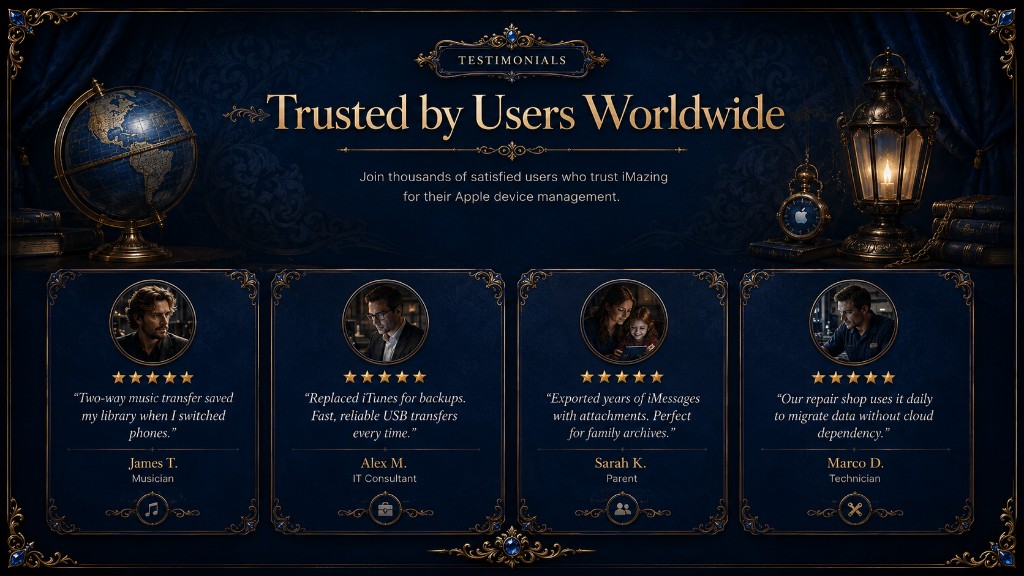
Thousands depend on iMazing for day-to-day Apple device care.
Bidirectional music sync rescued my library during a phone swap.
Replaced iTunes for archives. USB copies stay fast and steady.
Exported years of iMessages with media. Ideal for family records.
Our bench migrates customer data daily without cloud reliance.
Security
iMazing centers on trust. Validate installers, follow our guides, and keep data on hardware you own.