iMazing product mark — desktop iPhone and iPad utility

iMazing

Full capability list

iMazing Features

iMazing features let you backup, browse, transfer, and extract everything on your iPhone or iPad from Mac or Windows without iTunes limits.

Back Up Your DataAutomatic wireless backups
Browse & TransferFull device file access
Extract EverythingMessages, media, data
100% PrivateData stays on your PC

Inspect

Device and Backup Data Inspection

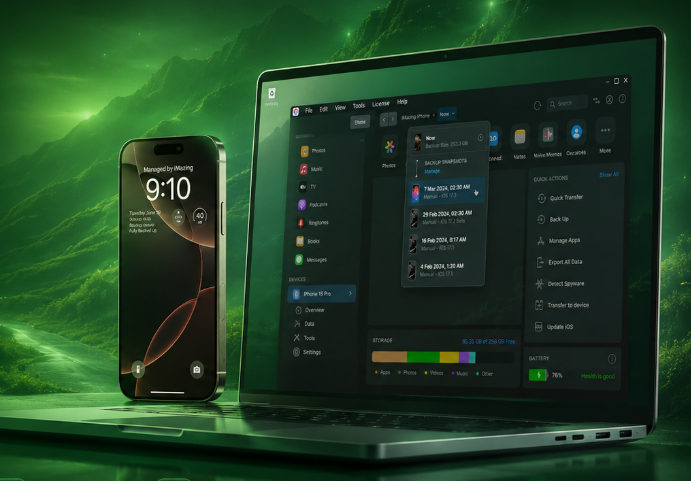
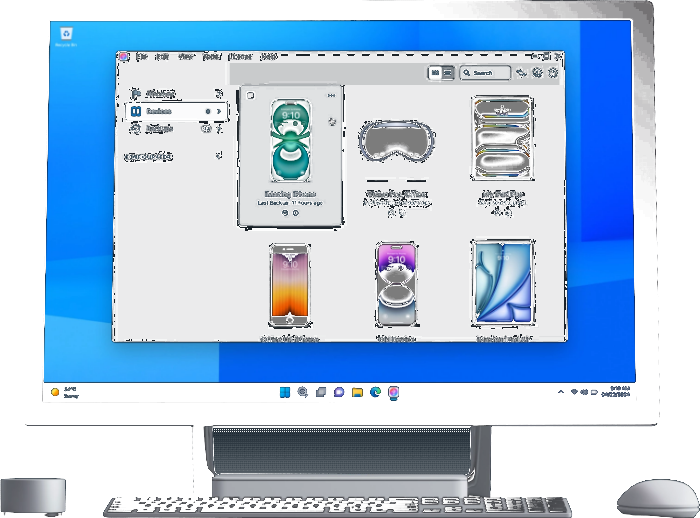
Browse your connected device or any saved backup like an external drive. No full restore required.

  • Call history, voicemail, voice memos
  • Notes, calendars, Safari data
  • Contacts, ringtones, podcasts, books
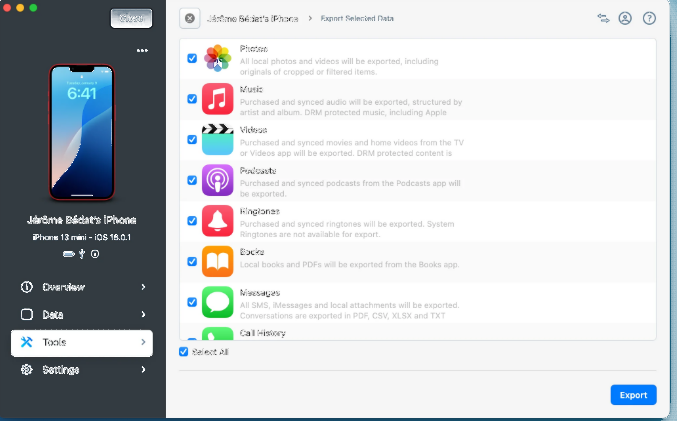
Export all iPhone data guide
Back UpAutomatic wireless backups
Browse & TransferFull device file access
ExtractMessages, media, data
100% PrivateData stays on your PC

Monitor

Device Status and Backup Monitoring

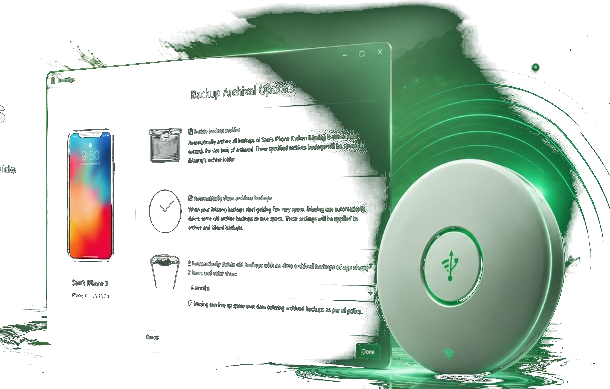
See storage usage, backup health, and connection status at a glance. iMazing Mini runs in the background for automatic wireless backups with notifications when action is needed.

  • USB and Wi-Fi connectivity options
  • Snapshot backups to track changes over time
  • Backup to external drives or network storage
  • Spyware analyzer updates in recent releases
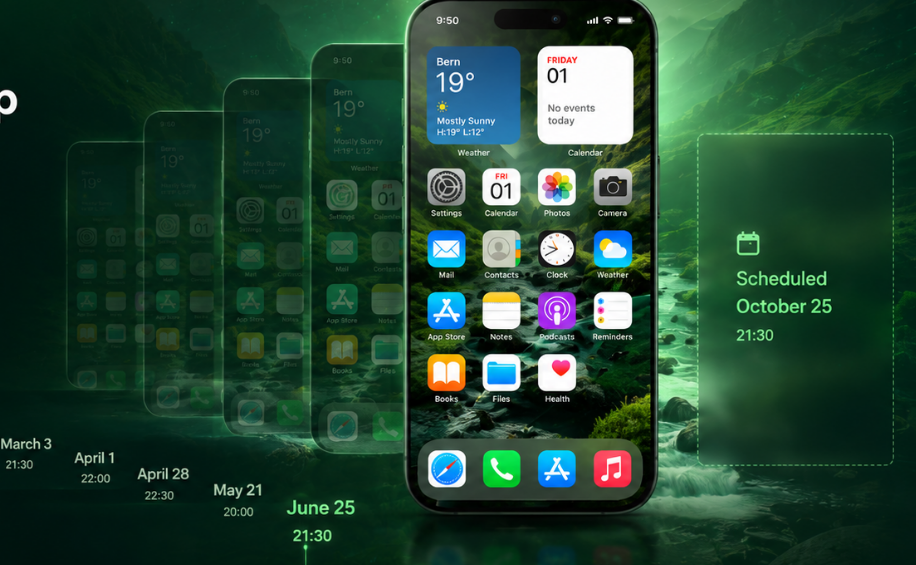
Guide: schedule backups
USB & Wi-FiFlexible device connectivity
External StorageNAS and drive backups
Snapshot HistoryTrack changes over time
Spyware AnalyzerSecurity updates built in

Trust & Security

Trust, Pairing, and Advanced Permissions

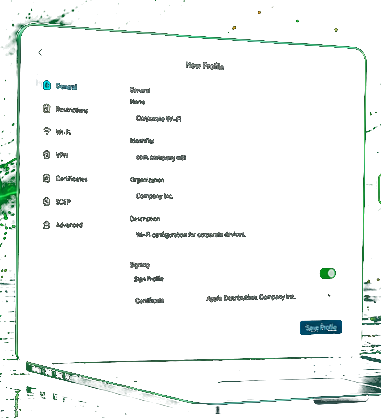
Pair your device by trusting the computer on iOS. Enterprise users enable supervision for kiosk mode, security restrictions, and fleet-wide policy control through iMazing Configurator and Profile Editor.

  • Encrypted backup support with password storage
  • Supervision for business and education deployments
  • Configuration profiles for iOS, macOS, tvOS, visionOS, watchOS
  • Photos privacy controls in recent versions
Trust and security policy
Encrypted BackupsPassword-protected archives
Enterprise TrustSupervision and policies
Profile ControliOS and Apple TV configs
Privacy ControlsPhotos and permissions

Performance and Transfer Insights

Quick Transfer

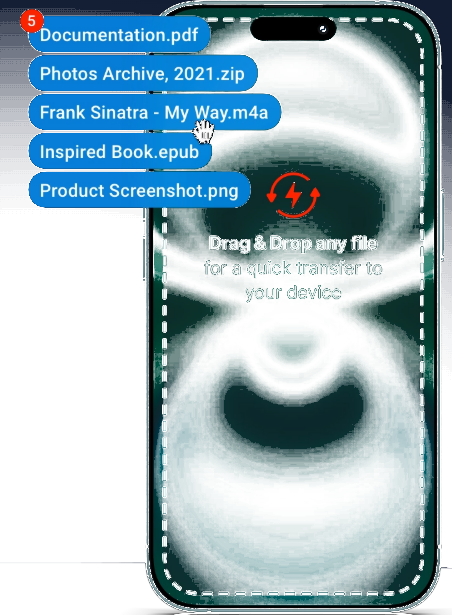
Drag documents, photos, and music to your device in one step without a full sync session.
Efficient USB Transfers

Large photo and video libraries move faster over cable than cloud-only workflows for many users.

Wi-Fi When Cable-Free

iOS 16.x and recent releases improve Wi-Fi device connectivity for backup and browsing.

Extensions and Professional Tools

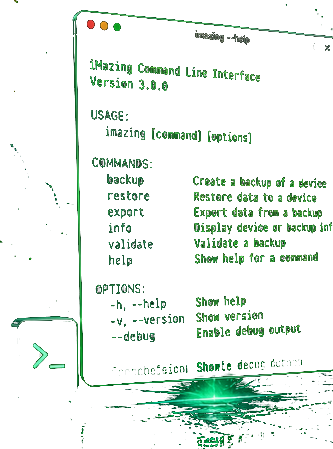
iMazing CLI

Command-line interface for scripting backup and device operations.

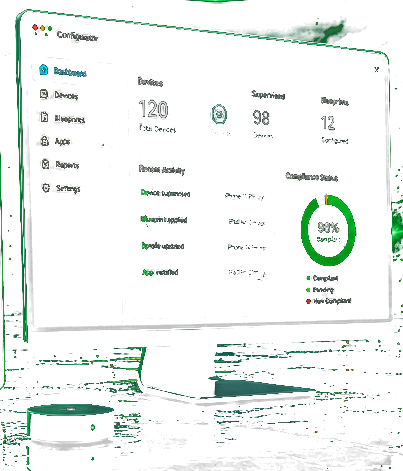
Configurator

Provision and supervise fleets of Apple mobile devices at enterprise scale.

Profile Editor

Free tool to create, edit, and sign Apple configuration profiles.

Phone Evidence

Extract and preserve messages and data for legal and compliance workflows.

Backup

Scheduled iOS Archives

Schedule automatic wireless backups, keep snapshot history, store archives on NAS or external disks, and restore selectively without wiping your phone.

  • Automatic wireless backups with iMazing Mini
  • Snapshot history to track changes over time
  • Archive and store backups on NAS or external drives
  • Selective restore without a full device wipe
Scheduled iOS backups
Wireless BackupsAutomatic over Wi-Fi
Archive & StoreNAS and external disks
Snapshot HistoryTrack backup changes
Secure & PrivateEncrypted archives

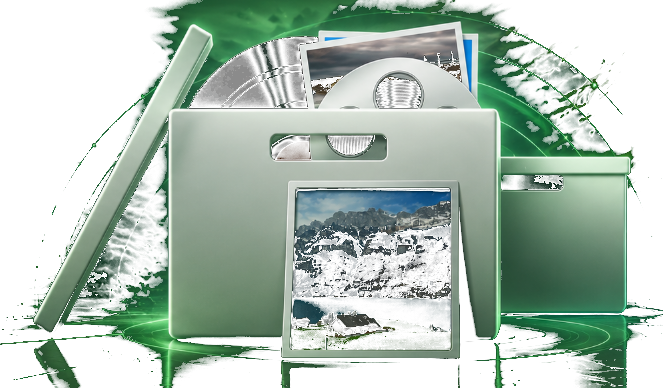
Archive great memories

Conversations with loved ones are precious. When you back up or archive them, you hold on to more than data — you preserve moments, photos, and memories that matter for years to come.

Find out more about Backups

Messages and Chat Apps

Export SMS, MMS, iMessage, and WhatsApp to PDF, Excel, CSV, or RSMF with attachments and metadata for archives or e-discovery.

  • PDF, Excel, CSV, and RSMF export formats
  • Attachments and metadata preserved
  • Browse conversations from device or backup
Message export guides

Music & Media

Music and Media

Transfer playlists and tracks to and from your device without iTunes sync restrictions. Note: Apple Music streaming DRM content may have limits.

  • Two-way music transferAdd or remove songs directly on your device
  • Playlist & library managementOrganize and rebuild libraries with ease
  • No iTunes sync requiredMove music without overwriting your library
  • DRM-aware supportWorks with your library; Apple Music DRM may have limits
Two-Way Library Sync

Photos & Videos

Camera Roll Export

More browsing options than Finder alone. Save albums and videos to your computer via USB or Wi-Fi without enabling iCloud Photos.

  • Browse your libraryView photos and videos by album or date
  • Export photos & videosSave full-quality media to your computer
  • USB or Wi-Fi transferMove libraries without iCloud Photos
  • Private on your Mac or PCKeep archives local and under your control
Photo and Video Library

Keep the best moments

Conveniently store your favourite photos on your Mac or PC. Drag and drop any pictures or videos from your iPhone and iPad to your computer - iMazing will even convert Apple's new image format (HEIC) to JPEG if needed. No risky iCloud storage or confusing import procedures. Save what you need, just where you want.

Laptop collage previewing personal photo memories

Apps & IPA

Apps and .ipa Management

Download purchased apps to your computer as .ipa files and install them on authorized devices. Manage app data and documents per app.

  • Download .ipa FilesSave purchased apps to your Mac or PC
  • Install on DevicesDeploy to authorized iPhones and iPads
  • Manage App DataAccess documents and data per application
  • Secure & AuthorizedStay within Apple licensing and your control
Download and Install .ipa Apps

Files & Transfer

Files and Quick Transfer

Use your iPhone like external storage for documents. Two-way copy for files that Apple file sharing exposes per application.
  • Two-Way Document ShuttleCopy documents to and from your device
  • Browse App FilesAccess folders each app exposes on iOS
  • Quick TransferDrag and drop files for fast delivery
  • Secure & LocalKeep transfers on your Mac or PC
Browse Device Like External Drive

Start Using iMazing Today

Download for Mac or Windows and try every feature free.

Download iMazing
Download